A briefing on one building, for the crew on the way.
First Look puts what is known about a building on one screen, and says where each fact came from. It is for fire, EMS, and police crews, and for the officer at the command post.
A crew arrives knowing an address and little else.
The call says where and what was reported. First Look adds the building around it: its sides, its water, its way in, and its floors.
The brief, in four parts.
All four show on one screen, top fact first. Read it all before you arrive.
The call
What was reported, where, and how old the report is.

Outside
The sides of the building, the nearest hydrant, and what stands next door.
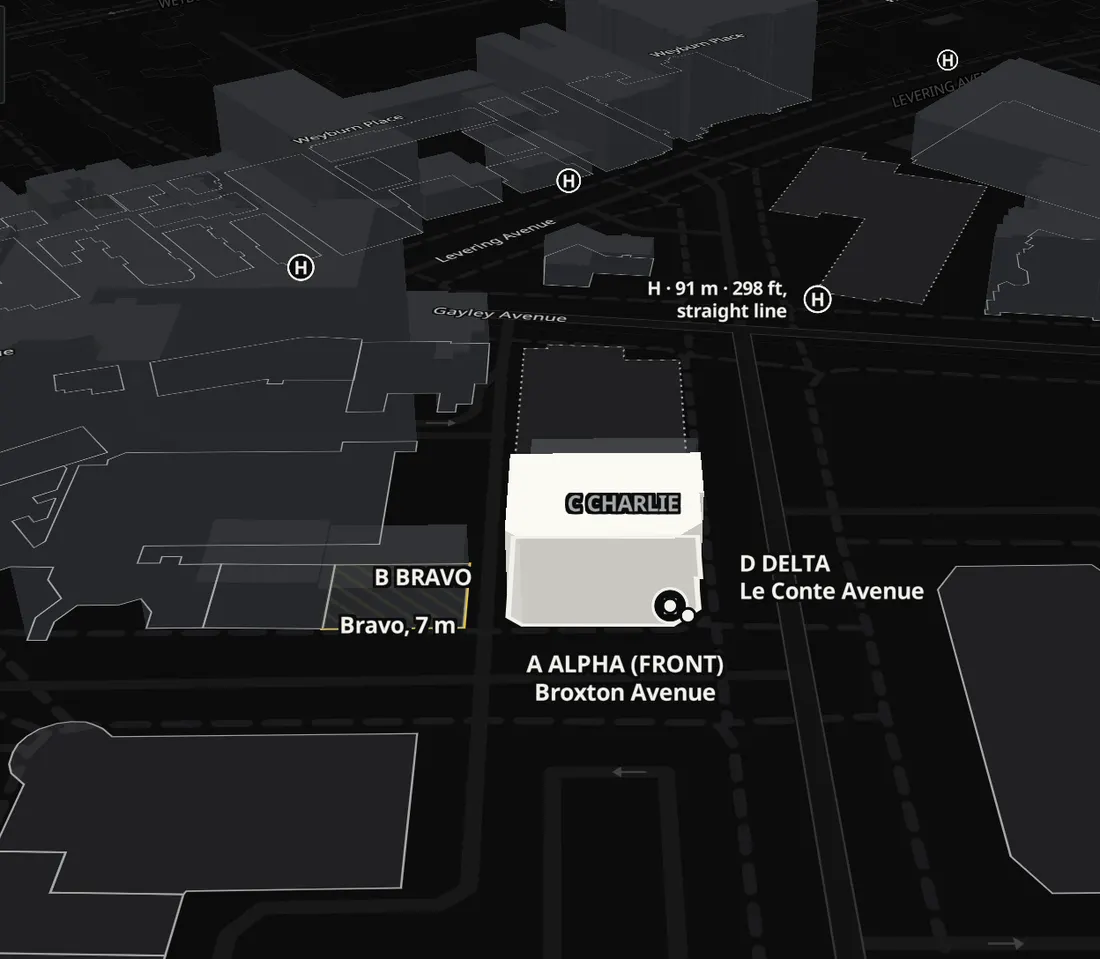
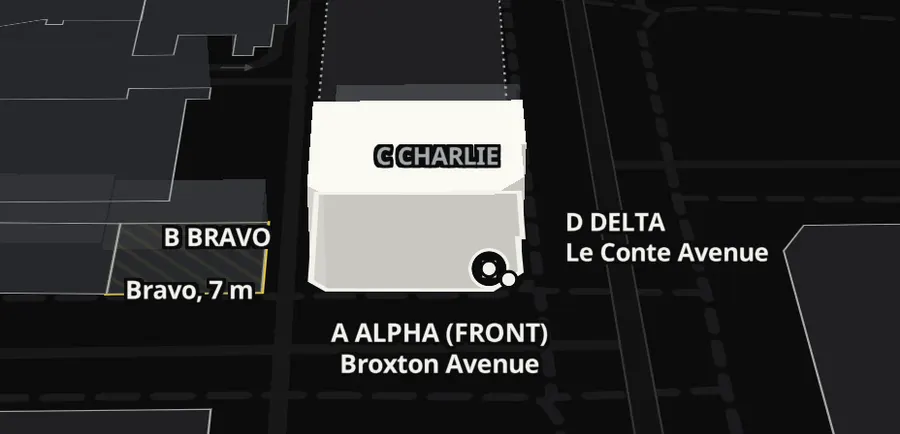
Way in
Which side is the front, and the street it faces.
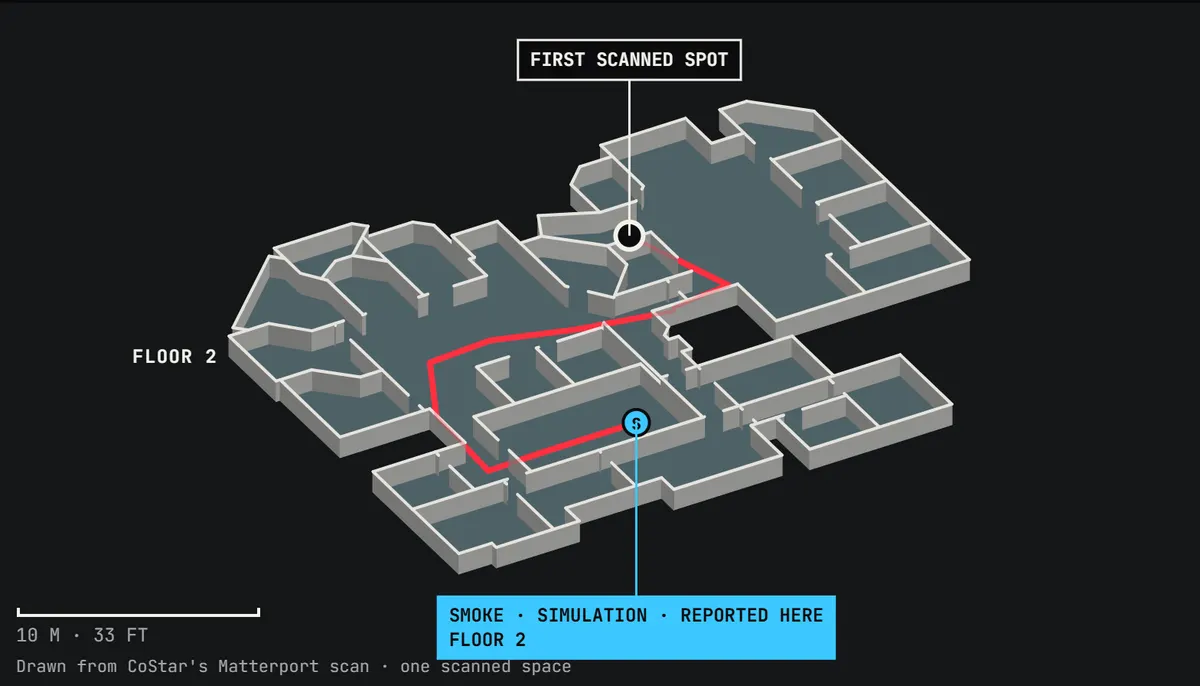
Inside
The floor as the 3D scan saw it, with a route through its openings for fire and EMS. Police get the last reported position, never a route to a person.

Built on real Los Angeles buildings.
- 1,567
Los Angeles buildings on the map, from CoStar's data.
Source: CoStar
- 1,540
of them with a 3D scan of the inside.
Source: CoStar, Matterport scans
- 0
route lines drawn through a wall, across 45 routes on real scans. A route goes through openings.
Source: our wall check, 14 November 2026
- 4 m
to the nearest hydrant at a building we tested, from the city's hydrant map. OpenStreetMap put the nearest one at 152 m.
Source: City of Los Angeles GeoHub, Fire Hydrants
See it on a real building.
Pick a building, then press Simulate to see its brief.
Open the application